Article on home hosting
The always-on Linux box problem
AI hardware that serves compute has to stay up. At home, that means you quietly become the on-call engineer for an always-on Linux machine that does not care what time it is or what else you had planned.

Key takeaways
- AI hardware that serves compute needs to run continuously, not just when you are watching.
- An always-on machine needs updates, driver management, and constant monitoring.
- When it fails at a bad hour, it is your problem unless a team runs it for you.
- Managed operations move the on-call burden to people who do this for a living.
Compute hardware is only useful when it is running
An AI machine that is meant to serve workloads has to be available continuously. Idle or crashed hardware does no useful work, so the value of the machine is tied directly to how reliably it stays online. That single requirement quietly turns a home rig into an always-on responsibility rather than a device you switch on when you feel like it.
This is the part that separates a hobby setup from real compute. A hobby GPU can sit off for a week and nobody minds. A machine meant to serve sustained AI work cannot, because every hour it is down is an hour it is producing nothing while still costing you power, space, and attention.
Keeping a machine up around the clock is a discipline, not a one-time setup. It is the difference between installing software once and committing to keep that software healthy every day for as long as you own the hardware.
What an always-on machine demands
Updates
Operating system and security updates that have to be applied regularly and carefully, because a bad update can break the very workloads you are trying to keep running.
Drivers
GPU drivers and libraries that need careful version management and testing, since a mismatch can silently degrade performance or stop the hardware from working at all.
Monitoring
Watching temperature, load, storage, and health continuously so that small problems are caught early instead of becoming outages.
Recovery
Restarting and repairing after crashes, often at inconvenient times, and figuring out what went wrong so it does not happen again.
When it fails at the worst time, it is yours
Hardware does not fail on a schedule. A crashed machine at 3 a.m., a driver issue right before a deadline, or a silent thermal problem that has been building for days all land on you when you host at home. There is no shift covering the night, and the machine will not wait for a convenient moment to break.
Worse, many failures are quiet. A home setup has nobody watching, so an outage that starts at midnight can run untouched until you happen to check in the morning. By then you have lost hours of work, and the recovery clock only started when you noticed.
In a data center, that coverage is the service. A team monitors continuously and responds when something goes wrong, so a single failure does not quietly cost you days. The failure still happens, because hardware fails everywhere, but the response is immediate rather than whenever you wake up.
The difference is who is watching
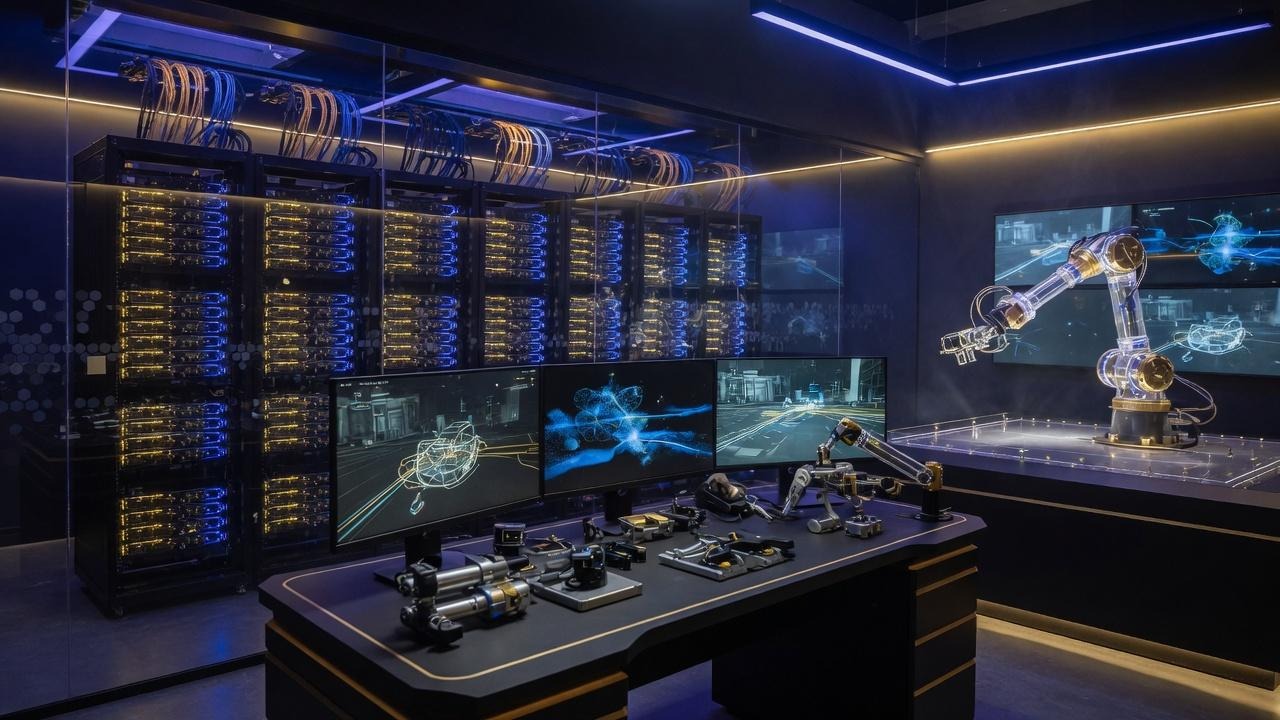
The always-on box problem is, at heart, a staffing problem. A machine that must run continuously needs someone able to respond continuously, and at home that someone is always you.
A control room like this exists precisely so no single owner has to be on call at 3 a.m. Monitoring and response become a rotating, professional function rather than a personal obligation that follows you into every night and weekend.
What good operations actually looks like
- Continuous monitoring. Health, temperature, and performance are watched around the clock, so issues are detected as they develop rather than discovered after the damage.
- Tested updates. Patches and driver changes are applied with procedures and testing across many machines, reducing the chance that an update breaks running work.
- Fast response. When something fails, staff are already there to respond, so downtime is measured in a quick reaction rather than in hours until someone notices.
- Spare parts on hand. Common failure parts are kept on site, so a failed fan or drive is swapped quickly instead of waiting on a delivery.
Automation helps, but it does not erase the job
A common response is that scripts and automation can handle the always-on burden. Automation genuinely helps, and any serious setup uses it, but it does not erase the job. Automated systems still need to be built, maintained, and watched, and they fail in their own ways that require a human to understand and fix.
The deeper point is that automation moves work around rather than removing it. Someone still has to design the monitoring, respond when an alert fires, and keep the whole system current. At home, that someone is you, even with good tooling. The question is not whether you can automate parts of it, but whether you want to own the parts that cannot be automated away.
Letting a team own the uptime
If you want the hardware without becoming its on-call engineer, managed ownership puts operations on a professional team. You own the machine, and they keep it running, monitor it, update it, and respond when something breaks, so the night shift is no longer yours.
That is the whole appeal of managed hosting and operations: the asset stays yours while the always-on responsibility moves to people who do it as their profession.
No operation can promise perfect uptime, and operational benefits are not guaranteed and depend on utilization, uptime, demand, costs, hardware performance, and market conditions. But the burden does not have to be yours.
Questions about always-on AI machines
Hardware that serves compute is only useful when it is running. Idle or crashed hardware does no work, so a machine meant to serve sustained workloads has to stay available continuously, which turns it into an around-the-clock responsibility.
Updates, driver management, monitoring, and recovery from crashes, often at inconvenient hours. At home there is no team covering the night, so failures land on you, sometimes hours after they start because nobody was watching.
It helps but does not erase it. Automated monitoring and updates reduce manual work, yet they still have to be built, maintained, and watched, and they fail in ways that need a human to fix. The job gets smaller, not gone.
Because nobody is watching. An outage that starts at midnight can run untouched until morning, so you lose hours of work and the recovery clock only starts when you finally notice the machine is down.
Continuous monitoring and staffed response mean a failure is detected and addressed as it happens, with spare parts on hand for quick swaps. The failure still occurs, but the reaction is immediate rather than delayed.
Yes. With managed operations you own the physical hardware while a professional team handles uptime, updates, monitoring, and repair. You keep the asset and hand off the on-call burden. Outcomes are never guaranteed.
Talk with us about AI infrastructure ownership
Share your name, phone, email, and which managed device tier interests you. We will reach out with a clear walkthrough. No pressure.
Request received
Thank you. We will contact you at the phone number or email you provided.
Let a team own the uptime.
Talk through managed operations so you never babysit a server again.
Operational benefits are not guaranteed and depend on utilization, uptime, demand, costs, hardware performance, and market conditions.