Article on AI hardware hosting
Why you should not host AI hardware at home
Owning AI hardware is appealing. Running it in your house is not. Here is an honest, detailed look at what home hosting really involves, and why most people are better off leaving the operations to a data center built for it.
Key takeaways
- AI GPU hardware produces serious heat and noise that ordinary homes are not built to handle.
- Residential power and internet are not designed for an always-on, high-draw compute machine.
- Someone has to patch, monitor, and repair the machine, which quickly becomes a constant chore.
- A managed data center solves cooling, power, connectivity, security, and uptime as a service.
The appeal of home hosting, and the catch
It sounds great in theory. Buy a powerful GPU machine, put it in a spare room, and run AI workloads yourself. You own the hardware, you are in full control, and nothing sits between you and the silicon. That instinct toward ownership is healthy, and it is worth taking seriously rather than dismissing, because wanting a real stake in the technology is a reasonable thing to want.
The catch is that AI hardware is built for data centers, not living rooms, and the gap between those two environments is far larger than most people expect. A data center is a controlled industrial space with redundant power, engineered cooling, and people on site at all hours. A home is none of those things, and asking it to behave like one is where the trouble begins, usually within the first few weeks of sustained use.
The hardware is only part of the job. The bigger part is everything around it: heat, power, connectivity, security, and the simple fact that the machine has to keep running without you watching it. That surrounding work is the real commitment, and unlike the purchase, it does not stop. The receipt is a single moment, while the operations are a standing obligation that follows you into every evening and weekend.
What home hosting really involves
Each of these is manageable on its own. Together, every day, they become a second job you did not sign up for.
Heat
High-density GPUs dump a lot of heat into a room continuously. Home air conditioning is built for human comfort, not for removing concentrated machine heat, and sustained high temperatures shorten hardware life.
Noise
Server-grade cooling is loud. The fans needed to keep AI hardware within safe temperatures produce a constant sound you do not want anywhere near where you work or sleep.
Power limits
A serious GPU machine draws heavy, constant power. Home circuits and electricity plans are not designed for an always-on industrial load, and pushing them risks tripped breakers and rising bills.
Fragile internet
Residential internet is optimized for browsing and streaming, not for moving large, sustained AI workloads with dependable uptime and no service commitment behind it.
Always-on upkeep
An always-on Linux machine needs patching, driver updates, monitoring, and restarts. When it goes down at 3 a.m., it is your problem, and the clock does not start until you notice.
Security
A machine in your home exposes your network and has none of the physical access controls, surveillance, or isolation a real facility provides as standard.
The always-on machine you have to babysit
The part people underestimate most is operations. An AI machine that is meant to serve compute has to stay up, because idle or crashed hardware does no useful work at all. That single requirement quietly turns a one-time purchase into an around-the-clock responsibility that follows you into evenings, weekends, and vacations, whether or not you feel like dealing with it on any given night.
Staying up means watching temperatures, applying updates without breaking the workloads already running, replacing failed parts quickly, and keeping the network and power stable through the night. None of it is glamorous, and most of it is invisible until something goes wrong, at which point it becomes urgent and unavoidable. The work does not scale down just because you are busy or away.
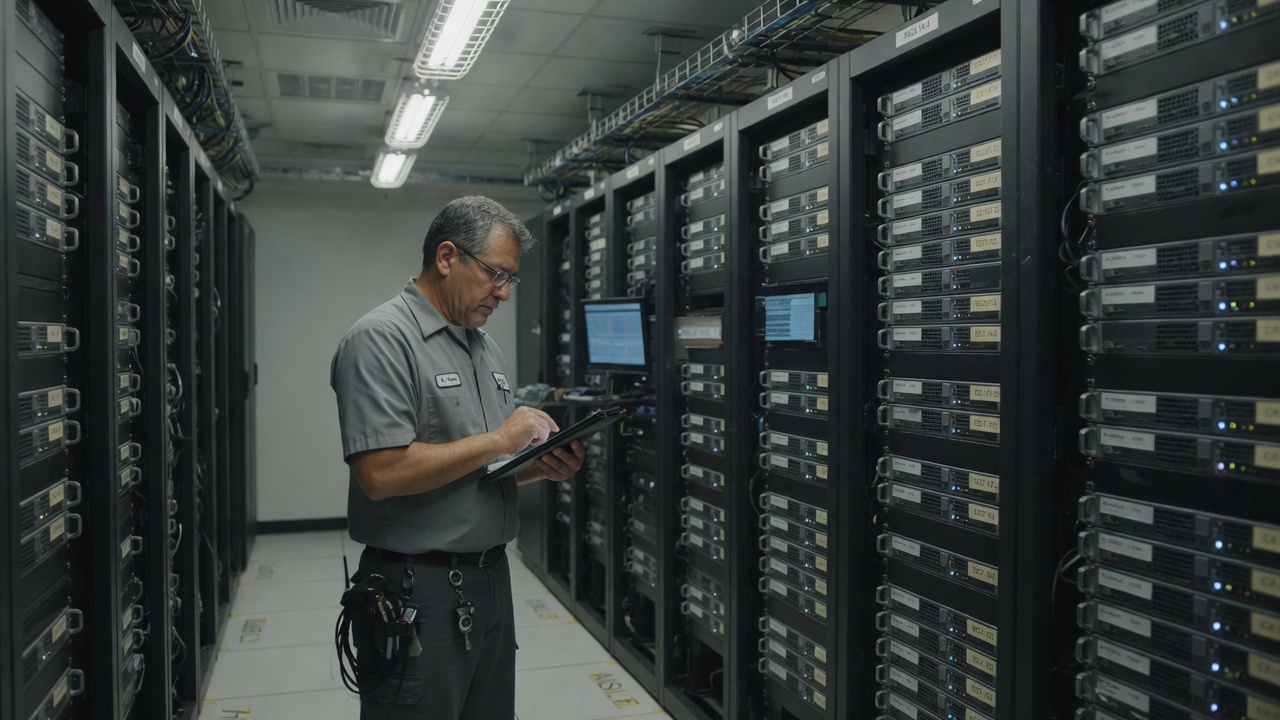
In a data center, that work is a service performed by a team with redundant power, industrial cooling, and continuous monitoring. At home, that work is simply you. Every hour the machine is offline because of a tripped breaker, a failed fan, or a dropped connection is an hour it cannot do anything useful, and there is no shift covering for you when you are asleep or out of the house.
Two very different homes for the same hardware
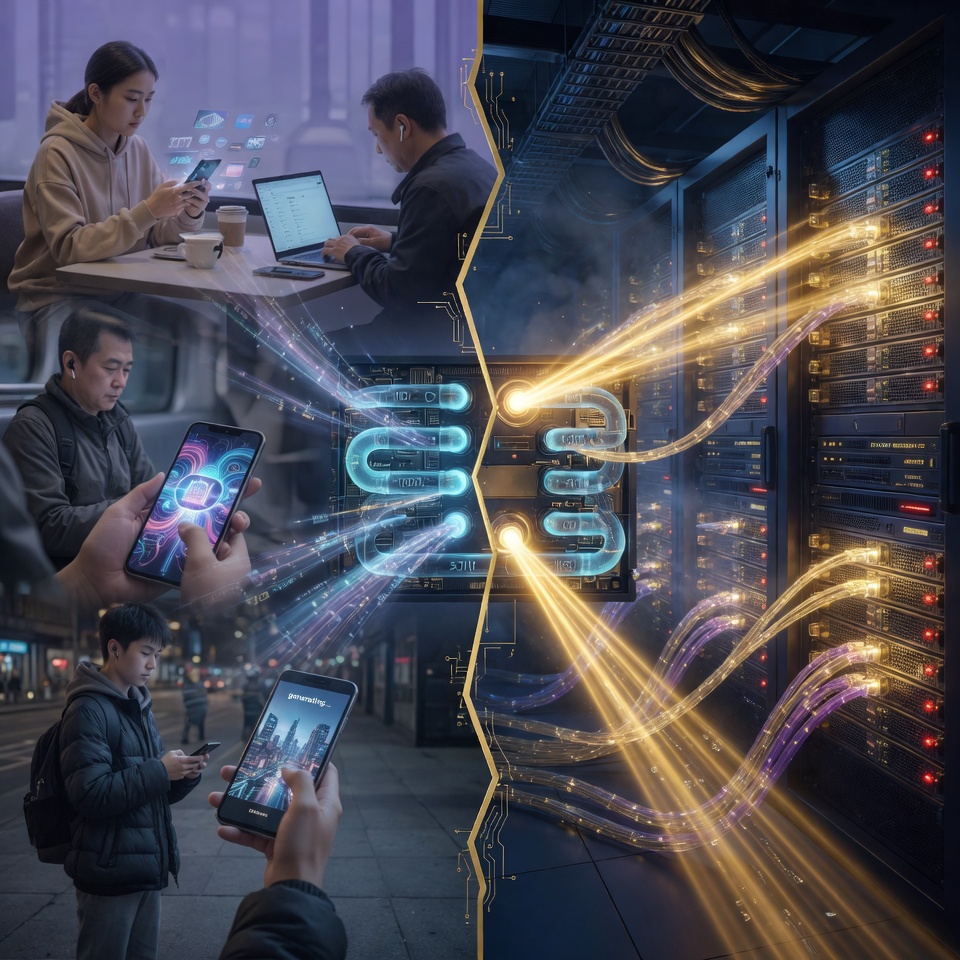
The hardware does not change between a spare room and a data center. The environment around it does, and for high-density compute the environment is most of the battle. One side fights heat, noise, power, and connectivity with consumer equipment that was never meant for the job, while the other is purpose-built to absorb all of them as a matter of routine.
Seeing the two side by side makes the point clearly. The question is rarely whether you can physically plug a GPU in at home. You almost always can. It is whether home is the right place to run it for the long, sustained hours that real AI work demands, and for that question the honest answer is usually no.
Why this work moved into facilities
176 TWh
U.S. data center electricity use in 2023, up from about 58 TWh in 2014, according to Lawrence Berkeley National Laboratory.
Source: Lawrence Berkeley National Laboratory, December 2024
~415 TWh
Global data centre electricity use in 2024, projected to more than double by 2030, according to the IEA.
Source: International Energy Agency (IEA), April 2025
Why a managed data center is the better home for AI hardware
Data centers exist precisely because high-density compute needs a controlled environment, and the scale of the electricity figures above shows how seriously the industry takes that. These facilities provide redundant power, industrial cooling, high-bandwidth connectivity, layered physical security, and around-the-clock monitoring. For AI hardware these are not luxuries, they are the baseline for keeping it healthy and useful over time rather than letting it slowly degrade.
The reason a home cannot simply imitate this is that each of these systems is expensive, specialized, and only economical at scale. A facility spreads the cost of industrial cooling and redundant power across many machines, while a home would have to absorb all of it for one. That is why the same hardware that struggles in a spare room runs comfortably in a facility built for it, and why trying to recreate a data center at home rarely makes financial or practical sense.
This is the reasoning behind managed hardware ownership. You can still own the physical machine, but it lives in a facility designed for it, and a professional team handles cooling, power, connectivity, monitoring, and maintenance. You keep the asset and skip the second job entirely, which is the part of home hosting that wears people down.
When does running hardware yourself make sense?
Home hosting can make sense for a single hobby GPU, light experiments, or learning the ropes. If the work is occasional, the stakes are low, and you genuinely enjoy the hands-on side, running the box yourself is perfectly reasonable and even rewarding. There is real value in understanding the hardware up close, and a small setup is a fine way to do that.
The trouble starts when you want real, sustained AI compute with dependable uptime. At that point the environment matters more than the box, and the heat, power, connectivity, security, and upkeep stop being a hobby and start being a job. The line is not about whether you are capable, it is about whether you want that job, because it is a job that does not pause and does not wait for a convenient moment.
A useful test is to ask how you would feel about the machine failing at the worst possible time, repeatedly, for as long as you own it. If that prospect sounds like an interesting challenge, home hosting may suit you. If it sounds like a recurring source of stress, that is a strong sign the operations belong with someone whose profession it is.
The path that keeps ownership without the operations
If you want the ownership without the operations, managed GPU compute is designed for exactly that situation. You own NVIDIA-powered hardware, and Golden Core Mining runs it in a U.S. data center with the power, cooling, connectivity, security, and monitoring that home setups cannot provide. The asset is yours, and the operating environment is one built for the job.
Framed simply, you keep the part that matters to you, which is owning the hardware, and you hand off the part that becomes a chore, which is operating it. That is the whole idea behind managed ownership, and it is worth talking through to see whether it fits your goals before committing to anything.
Owning hardware does not assure any outcome. Operational benefits are not guaranteed and depend on utilization, uptime, demand, costs, hardware performance, and market conditions.
References and data
- 2024 United States Data Center Energy Usage Report. Lawrence Berkeley National Laboratory. December 2024.
- Energy and AI. International Energy Agency (IEA). April 2025.
Questions about hosting AI hardware at home
You can run a small GPU for hobby use, but serious AI hardware is built for data centers. Homes are not designed for the heat, noise, constant power draw, fragile connectivity, and uptime that sustained AI compute needs, so the experience degrades quickly under real load.
Operations. The machine has to stay up, cool, connected, patched, and monitored at all hours. When something fails, you are the one who has to fix it, often at the worst possible time, with no team covering the night shift.
A facility provides redundant power, industrial cooling, high-bandwidth connectivity, physical security, and continuous monitoring, and it spreads the cost of all of that across many machines. A home would have to absorb the same costs for a single machine, which rarely makes sense.
Usually not for sustained work. Residential plans are tuned for browsing and streaming, often have limited upload, vary with congestion, and carry no real uptime commitment, so they tend to be the quiet bottleneck for serious AI compute.
Yes. A GPU under sustained load is a constant heater, and the fans needed to keep it safe are genuinely loud. Both problems compound, because cooling the heat adds noise and containing the noise traps the heat.
Managed hardware ownership. You own the physical NVIDIA-powered machine, and a professional team operates it inside a U.S. data center with redundant power, industrial cooling, connectivity, security, and monitoring. Outcomes are never guaranteed.
Talk with us about AI infrastructure ownership
Share your name, phone, email, and which managed device tier interests you. We will reach out with a clear walkthrough. No pressure.
Request received
Thank you. We will contact you at the phone number or email you provided.
Own the hardware without running it yourself.
Talk through managed GPU ownership and let a data center handle cooling, power, connectivity, and uptime.
Operational benefits are not guaranteed and depend on utilization, uptime, demand, costs, hardware performance, and market conditions.